FlowGuard
Know when someone follows.
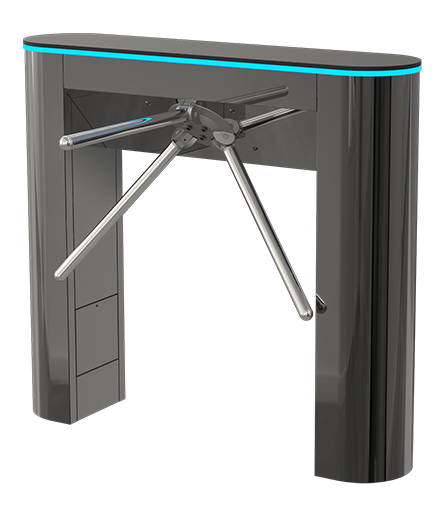
Access granted to one person should not become access for two. FlowGuard detects tailgating: someone following through a door or gate without their own access being granted.
Discuss your entranceTailgating detection
Detect when more people pass through an entrance than have been granted access.
Monitoring from above
An overhead installation monitors the passage without placing another device in the user’s path.
A signal to act on
A detected event can trigger a notification or a local alert, configured for your installation.
OTA updates
Over-the-air software updates keep the device up to date remotely.
From permission to passage.
Knowing who may enter is one part. Knowing how many people pass is the next.
Identify
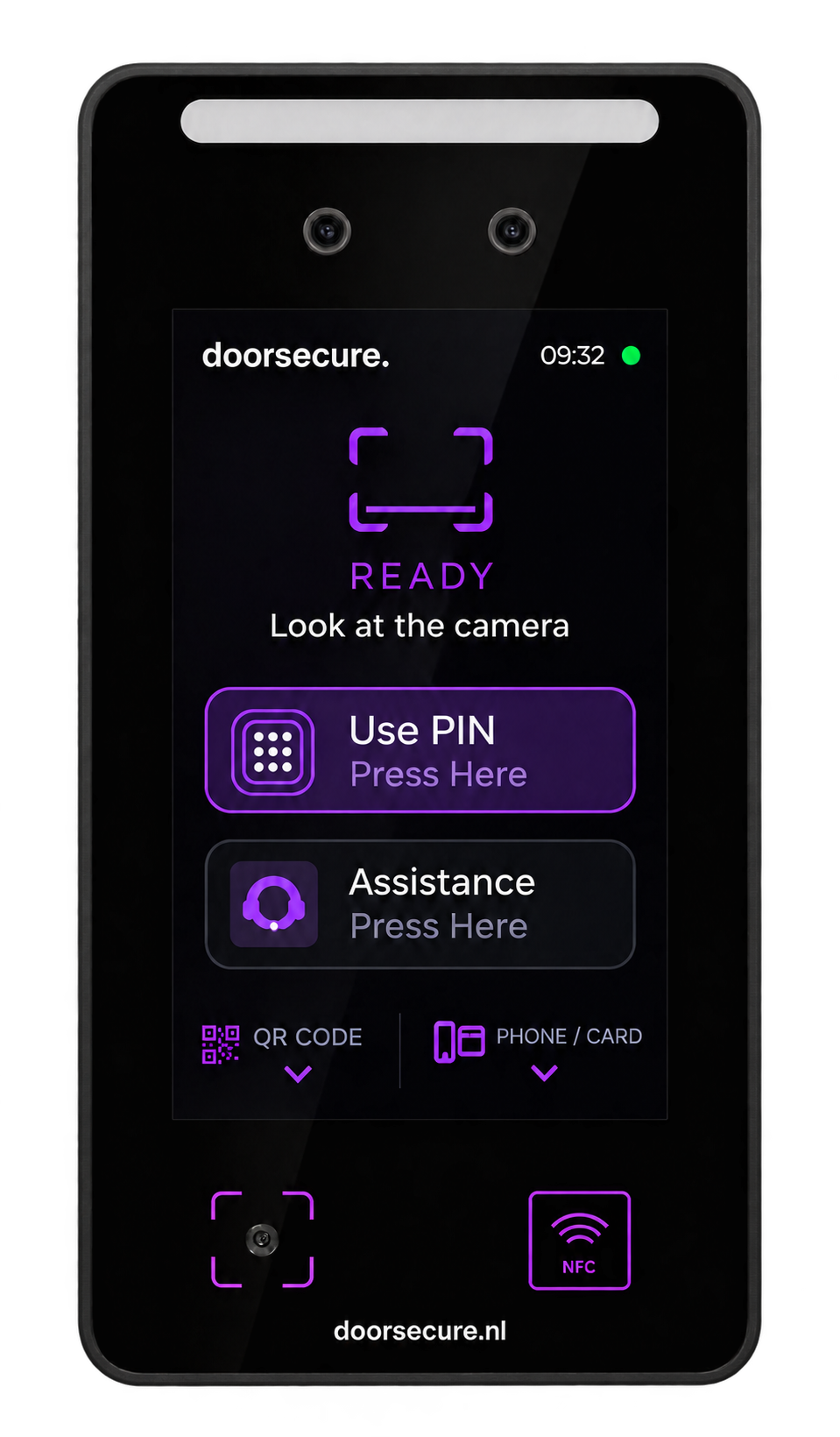
AiO NG or FaceLink identifies the person. The access system determines whether entry is allowed.
Grant access
The door or gate opens only when access is granted. FlowGuard monitors the associated passage.
Detect a mismatch
An extra person passes without a separate authorisation. FlowGuard signals the event for the configured response.
An extra check at your entrance.
For the moment a valid entry becomes an unauthorised follow-through.
Gyms & health clubs
A member checks in. Someone else follows through the same opening. FlowGuard helps identify this extra passage, alongside your membership-based access control.
Explore applicationOffices & shared buildings
Add passage monitoring to entrances used by employees and visitors. Identify possible tailgating after a valid credential has opened the entrance.
Explore applicationUnstaffed entrances
Make unusual passages visible where there is no staffed reception. Agree how a detection event should be reported and followed up.
Explore application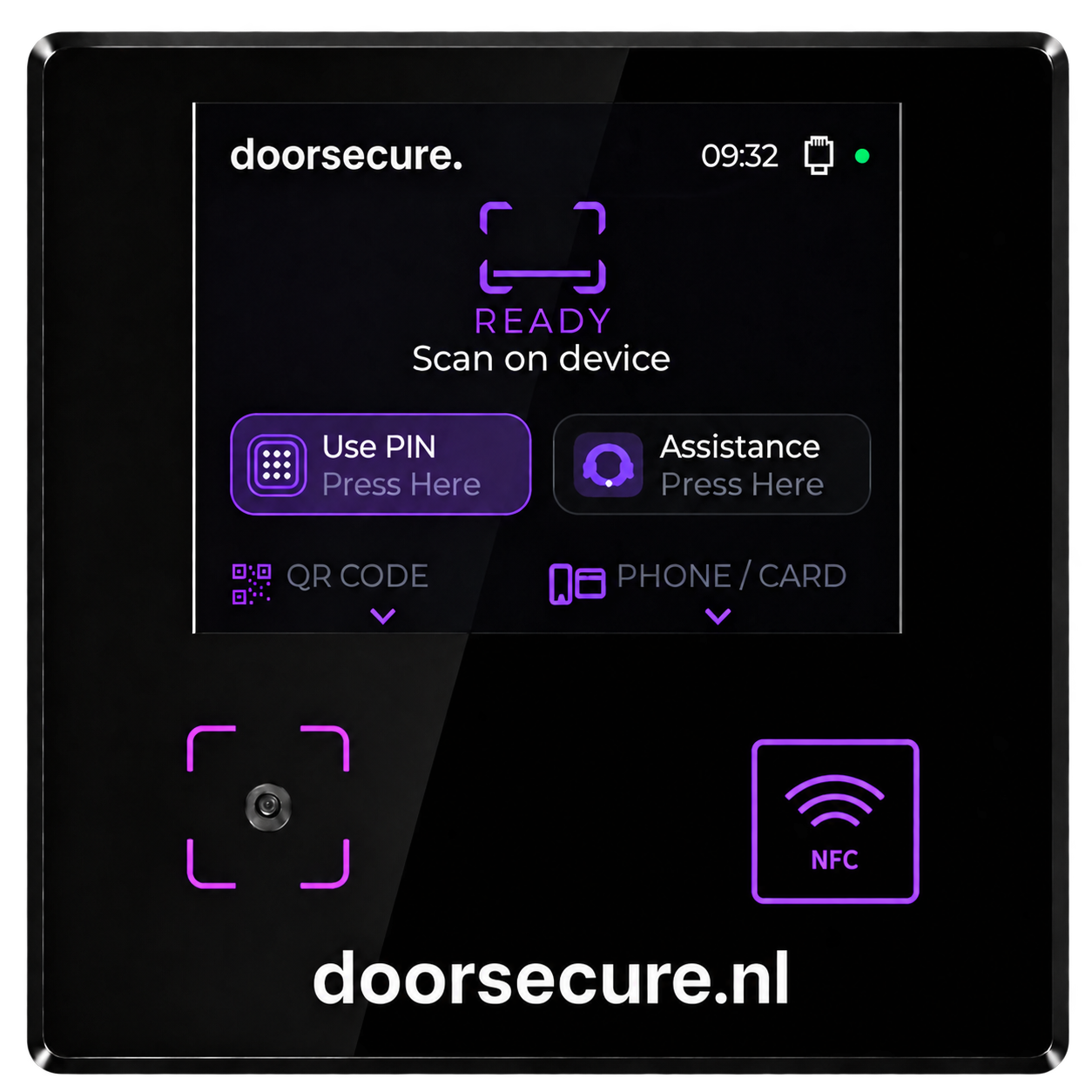
Identification meets passage detection.
Combine FlowGuard with AiO NG or FaceLink. Your reader handles identification; FlowGuard adds detection of people following through the entrance.

Part of your access setup.
Manage people and access permissions with DoorAPI Identity, or connect the systems you already use through DoorAPI. Add FlowGuard to monitor the passage and configure how detection events should be handled.
Discover DoorAPIA closer look.
Does FlowGuard stop someone from entering?
FlowGuard detects and signals possible tailgating. It does not physically block the passage. The door or gate controls the entrance; the response to a detection is configured as part of the installation.
Can it work with an existing entrance?
We assess the door or gate, the access system and the available mounting position. The detection area and access signal must be matched to the passage.
Does it replace AiO NG or FaceLink?
No. The reader identifies the person and the access system decides whether entry is allowed. FlowGuard adds a check on the actual passage.
How is detection set up?
The installation is configured for a defined passage. Mounting position, detection area and timing are checked and tested against normal use of your entrance.
Make every passage count.
Tell us about your entrance, reader and access system. We’ll help you find the right place for FlowGuard.
Discuss your project